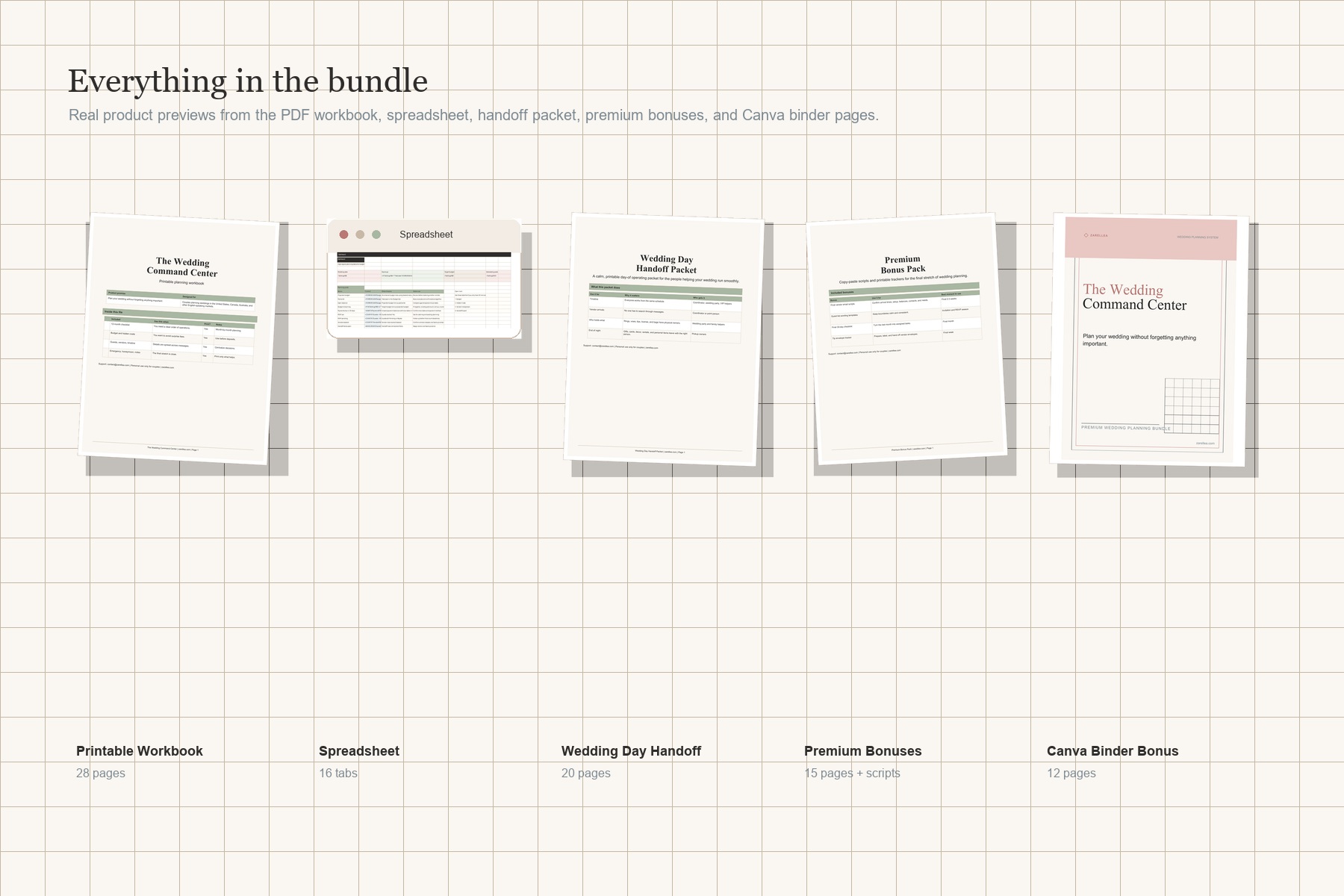
Printable Workbook
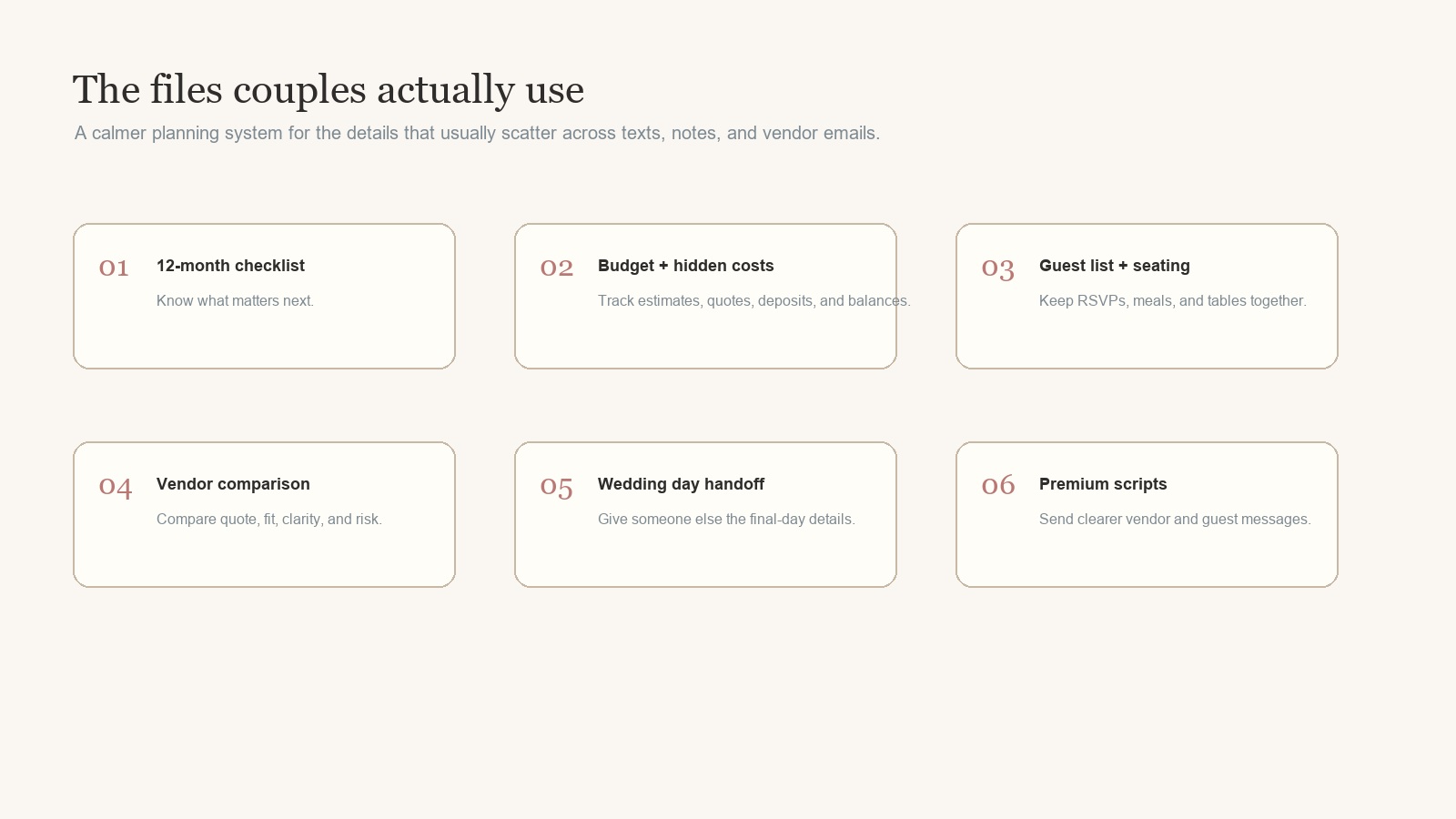
12-month checklist, budget pages, guest list, vendor comparison, timeline, photo shot list, seating worksheet, honeymoon packing, and notes.

Digital wedding planner bundle
Plan the budget, vendors, guest list, timeline, and final-day handoff in one polished system: printable PDFs, an Excel tracker, premium bonuses, and optional Canva binder pages.
Best for DIY couples who want one practical planning hub before the final month gets busy.
Less mental load
Wedding planning turns into texts, vendor emails, payment notes, family conversations, seating stress, and last-minute "who has this?" questions. This bundle gives those details a home.
Plan the timeline. Work month by month from early planning through the final week and after-wedding tasks.
Track the numbers. Keep budget estimates, quotes, deposits, payments, and hidden costs visible.
Hand off the day. Give your helper, coordinator, venue, or vendors a clear wedding-day packet.
Take a closer look
Discover how The Wedding Command Center brings your budget, guest list, vendor details, and wedding-day handoff together.
2 min 48 sec · A quick introduction to your planning bundle
Having trouble playing? Open the video directly.
What's inside
Use the printable workbook when you want to think on paper. Use the spreadsheet when details keep changing. Use the handoff packet when the day needs to run without you answering every question.
12-month checklist, budget pages, guest list, vendor comparison, timeline, photo shot list, seating worksheet, honeymoon packing, and notes.
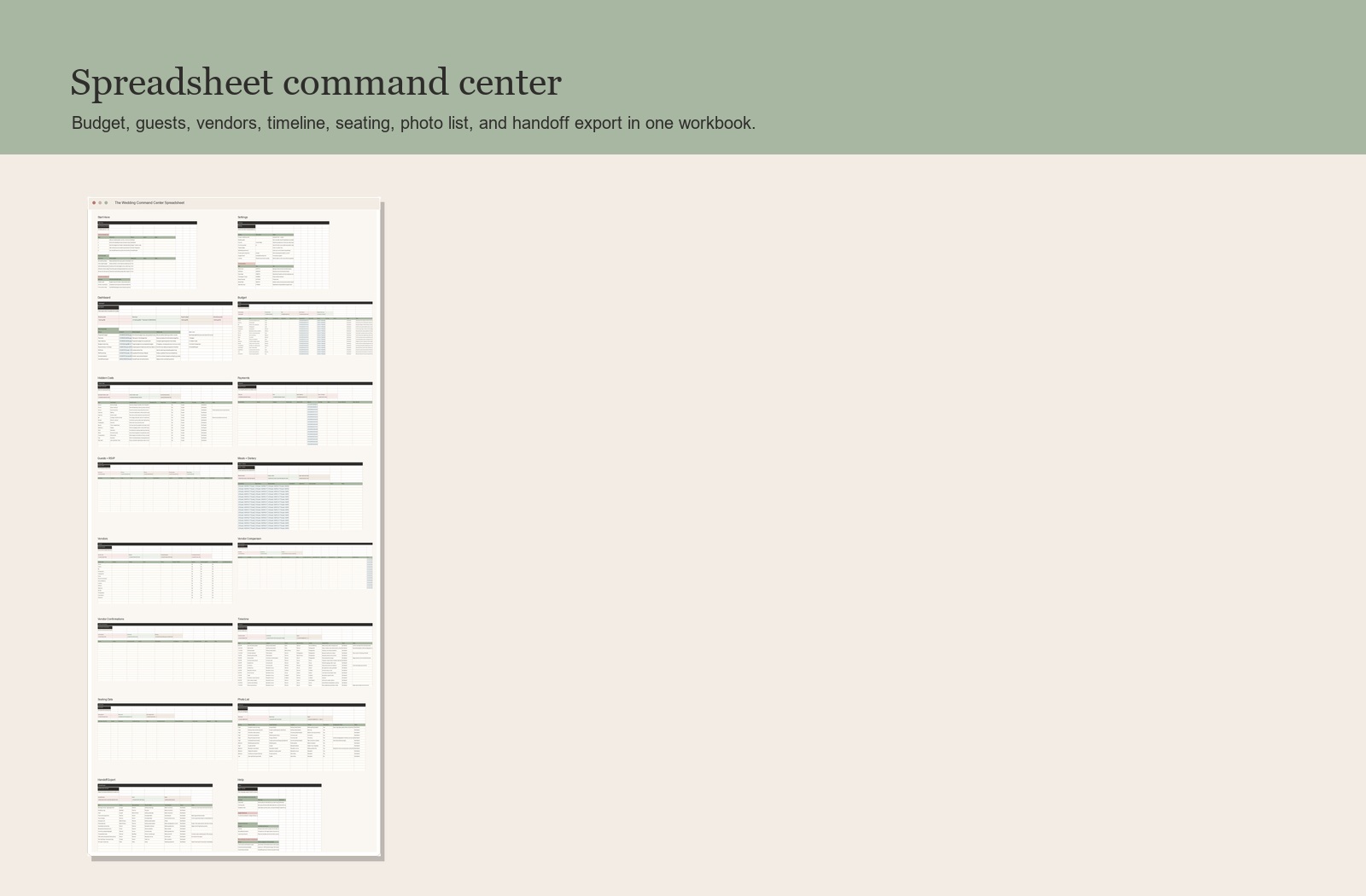
Dashboard, budget, hidden costs, payments, guests, meals, vendors, timeline, seating data, photo list, and handoff export.
Contacts, timeline, vendor arrival plan, who-holds-what, payments, meals, emergency kit, weather backup, and end-of-night pickup.
Final vendor confirmation scripts, guest wording templates, final 30-day checklist, tip envelope tracker, and copy-paste TXT scripts.
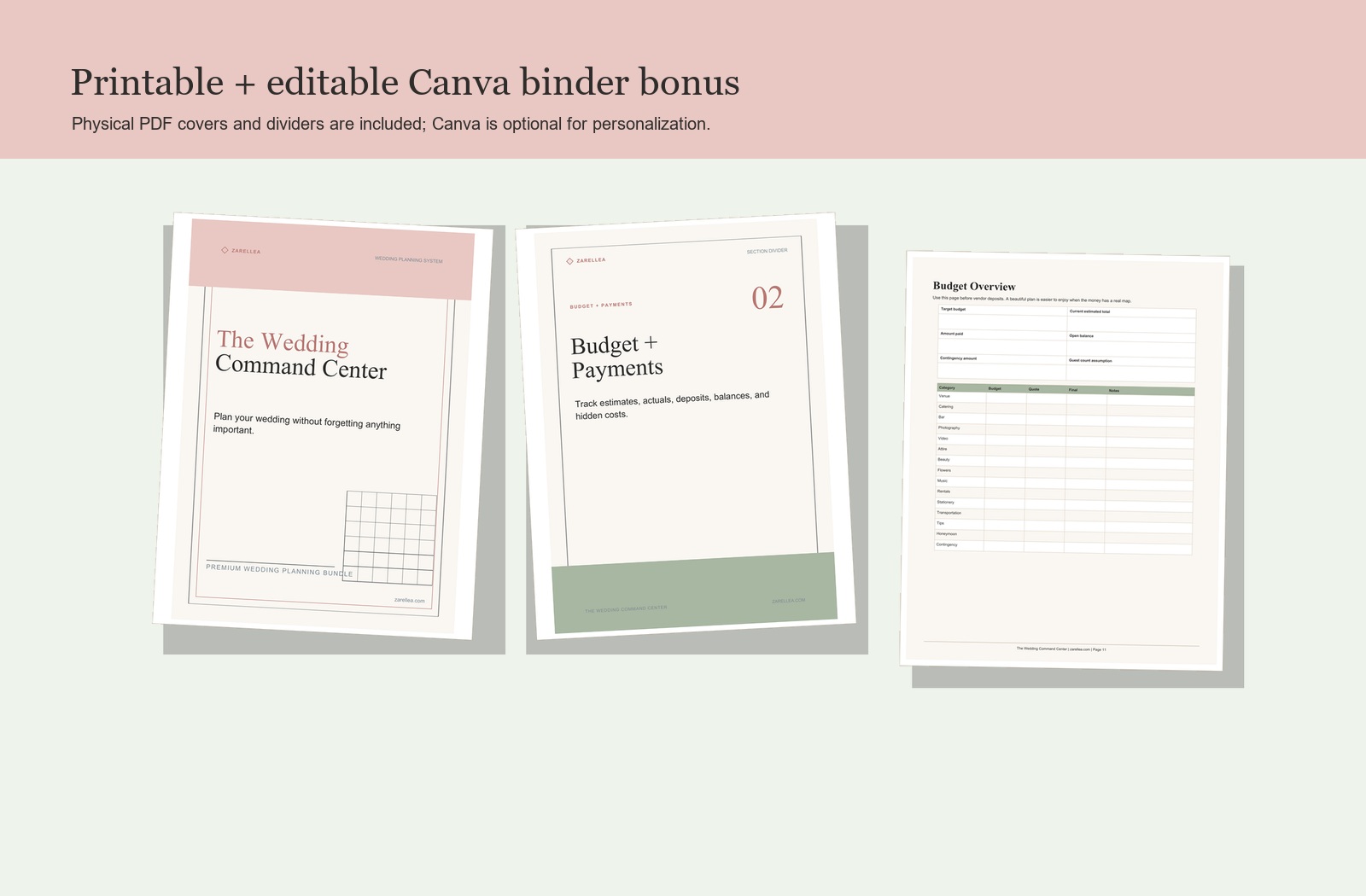
Physical PDF covers and section dividers are included. Canva access is optional if you want to personalize the visual pages.
Spreadsheet command center
The Excel workbook is built for decisions: what is booked, what is paid, who has RSVP'd, which vendors still need confirmation, and which handoff items are still open.
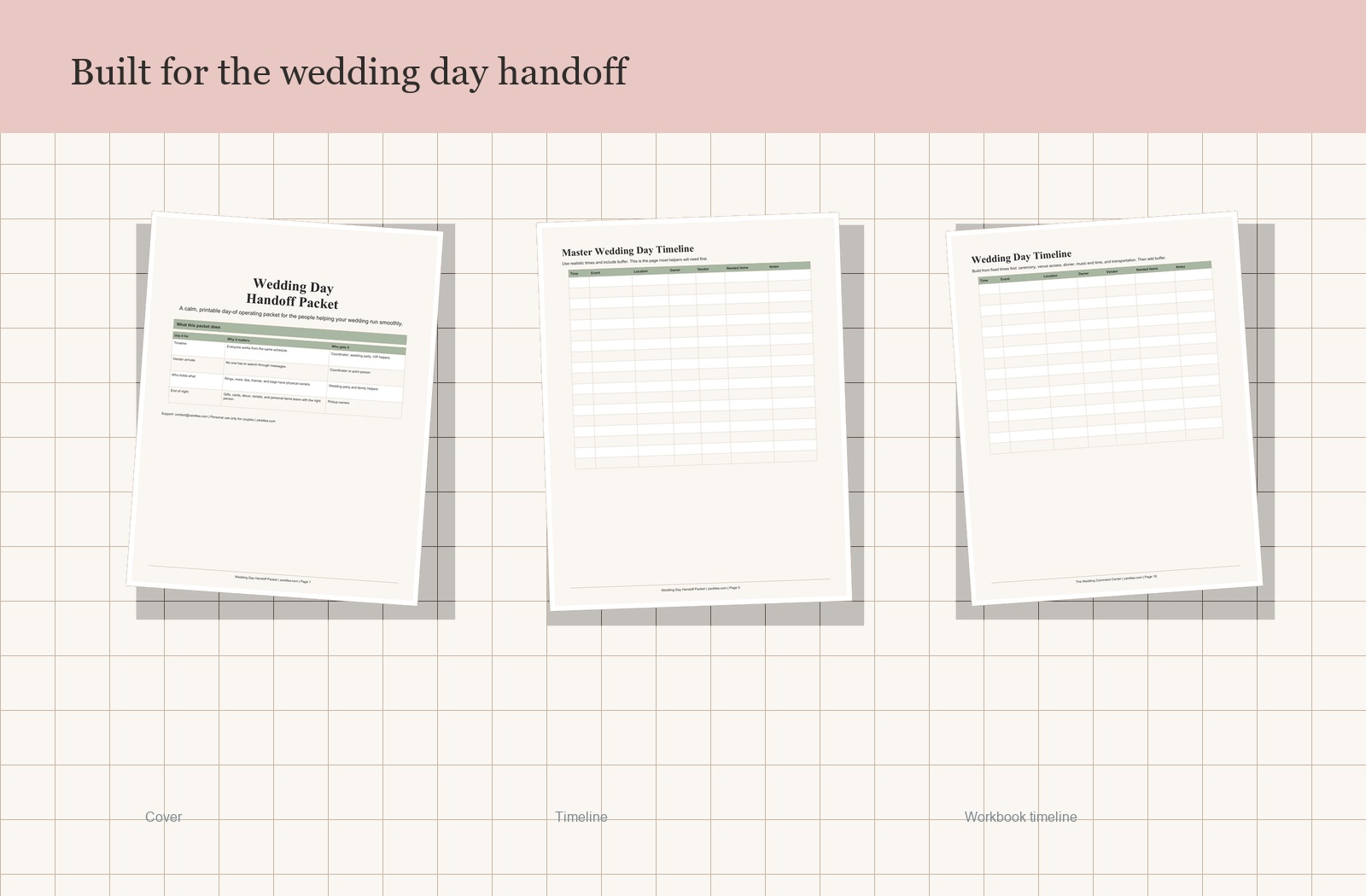
The final-day safety net
On the wedding day, the couple should not be the only source of truth. The handoff packet gives the practical details to the person who needs to act on them.
Premium bonuses
The bonus pack focuses on the moments that create avoidable stress: confirming vendors, wording sensitive guest messages, assigning final-month owners, and preparing tip envelopes.
First 15 minutes
The Start Here guide gives couples a short first-use path so the bundle feels calm from the beginning.
Enter wedding date, location, currency label, date format, and planning owner.
Add the target budget, estimated guest count, and top vendor categories.
Use US Letter or A4 PDFs, then print only the pages needed this week.
Assign owner and backup owner fields before the final month gets crowded.
After purchase
After purchase, download your bundle and open the Start Here guide. Then choose the planner pages and tracker that fit your wedding, and begin with the details you need today.
Complete secure checkout. The purchase button sends you to shop.zarellea.com.
Download the digital files. Use the PDF pages, spreadsheet, bonus files, and optional Canva instructions.
Start with the basics. Add your date, budget, guest count, and vendor priorities before planning gets noisy.
Fit check
Couples & their planning stories
From the first budget conversation to the final wedding-day details.
“We had quotes in our inboxes and payment reminders in our phones. Having the budget, deposits, and remaining balances together made it much easier to see what we still needed to plan for.”
“The checklist gave us a place to start without trying to do everything at once. We used the printed pages for our weekend planning sessions and the spreadsheet for guest updates and vendor details.”
“Putting the timeline, vendor contacts, and who-was-responsible-for-what in one packet helped us explain the plan to our helper. It felt reassuring to have those details written down before the final week.”
Launch offer
Download the full premium bundle and use it throughout the planning process: from the first budget conversation to the final handoff on the wedding day.
Questions
You complete checkout at shop.zarellea.com and receive access to the digital files. Start with the guide, then use the printable PDFs, spreadsheet tracker, handoff packet, bonus files, and optional Canva instructions.
No. This is a digital download. Nothing is shipped, so you can start planning as soon as you receive access to the files.
No. The core product works through the printable PDFs and spreadsheet. The Canva bonus also includes physical PDF pages. Canva is only optional if you want to personalize covers, dividers, colors, or text.
Yes. Use the handoff packet, vendor confirmations, payments, timeline, emergency contacts, meals, photo priorities, and final 30-day checklist first. The 12-month planning pages are still useful as reference, but you do not need to start a year out.
The product uses US English as the base and neutral wording where useful for Canada and Australia. Legal and administrative rules vary by state, province, territory, county, venue, vendor, and date, so always check your local requirements.
No. This planner is for organization only. Confirm current requirements, fees, permits, contract terms, and professional questions with the relevant authority, venue, vendor, or licensed professional.
Yes. Upload the XLSX to Google Drive, open it with Google Sheets, then save a Google Sheets copy. Some visual styling may vary slightly after conversion.
You may share selected filled pages with your partner, planner, wedding party, venue, or vendors for your own wedding. You may not resell, redistribute, upload publicly, or use the files with paid clients without a separate professional license.